See which visits turned into payments.
Virling ties every visit to the payment that followed. Run one binary on your own server, add a script under 1 KB and connect a read-only payment key.
docker run -d --name virling -p 8080:8080 \
  -v virling-data:/data \
ghcr.io/virling/virling:latest serve --appdocker exec virling virling add-site \
yourdomain.com --owner you@example.com<script defer src="https://YOUR-HOST/v.js"
data-site="yourdomain.com"></script>Guides
Everything Virling does today, in the order you set it up.
Quickstart
From an empty server to your first attributed payment in six steps.
Install
The Docker image, release binaries for Linux and macOS, or a build from source.
Add the script
One tag, under 1 KB. Pageviews, UTM tags, referrers, route changes and goals.
Connect payments
Read-only keys. The last 90 days are imported, then synced every minute.
Checkout attribution
Pass the virling_vid visitor ID into checkout so payments match visits.
How attribution works
Sessions, channels, which visit gets the credit, and renewals.
Configuration
Every server flag and VIRLING_ environment variable, with defaults.
Self-hosting ops
Reverse proxy, sign-in email, backups and upgrades.
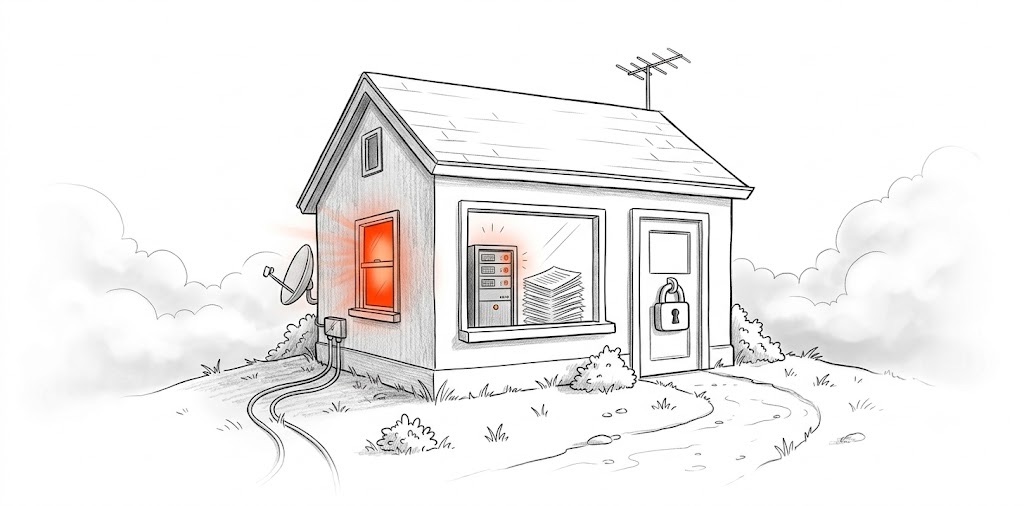
One binary on your server
Events live in embedded DuckDB and settings in SQLite, in one data folder next to the binary. No Postgres, ClickHouse or Redis.
- Linux x86_64 and arm64, macOS on Apple silicon, Docker
- Payments pulled with a read-only key, no webhooks
- Visitor IPs are never stored